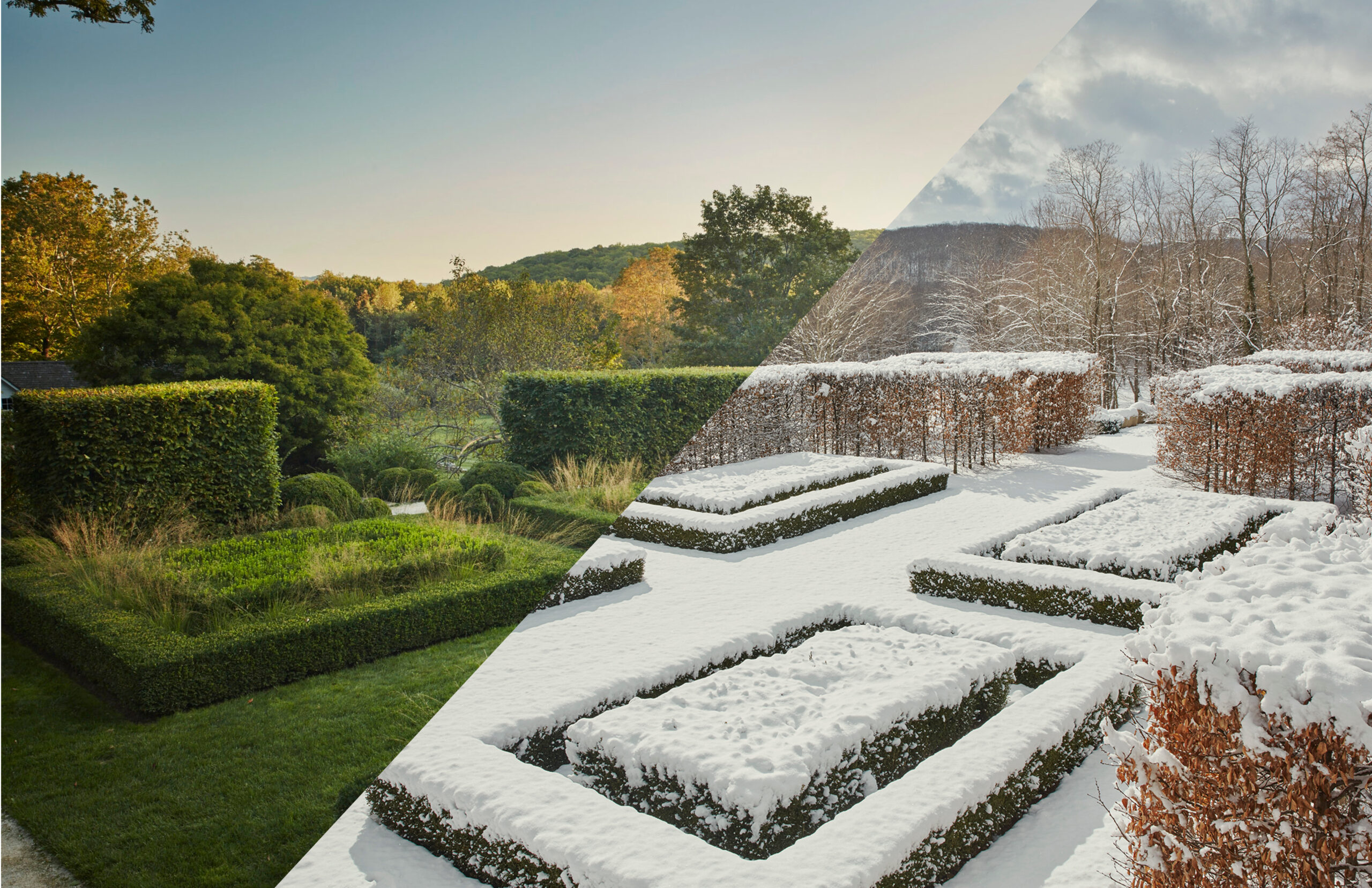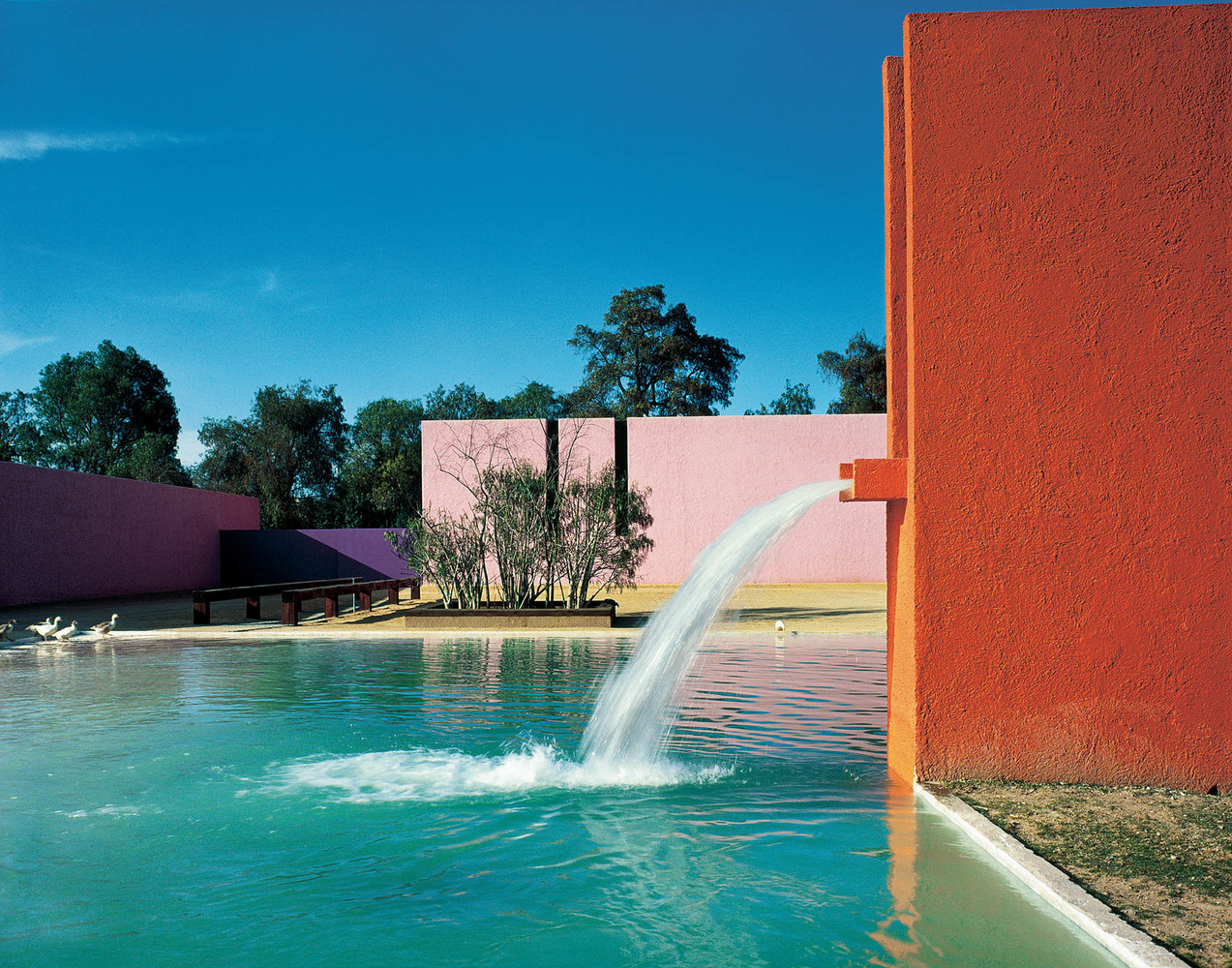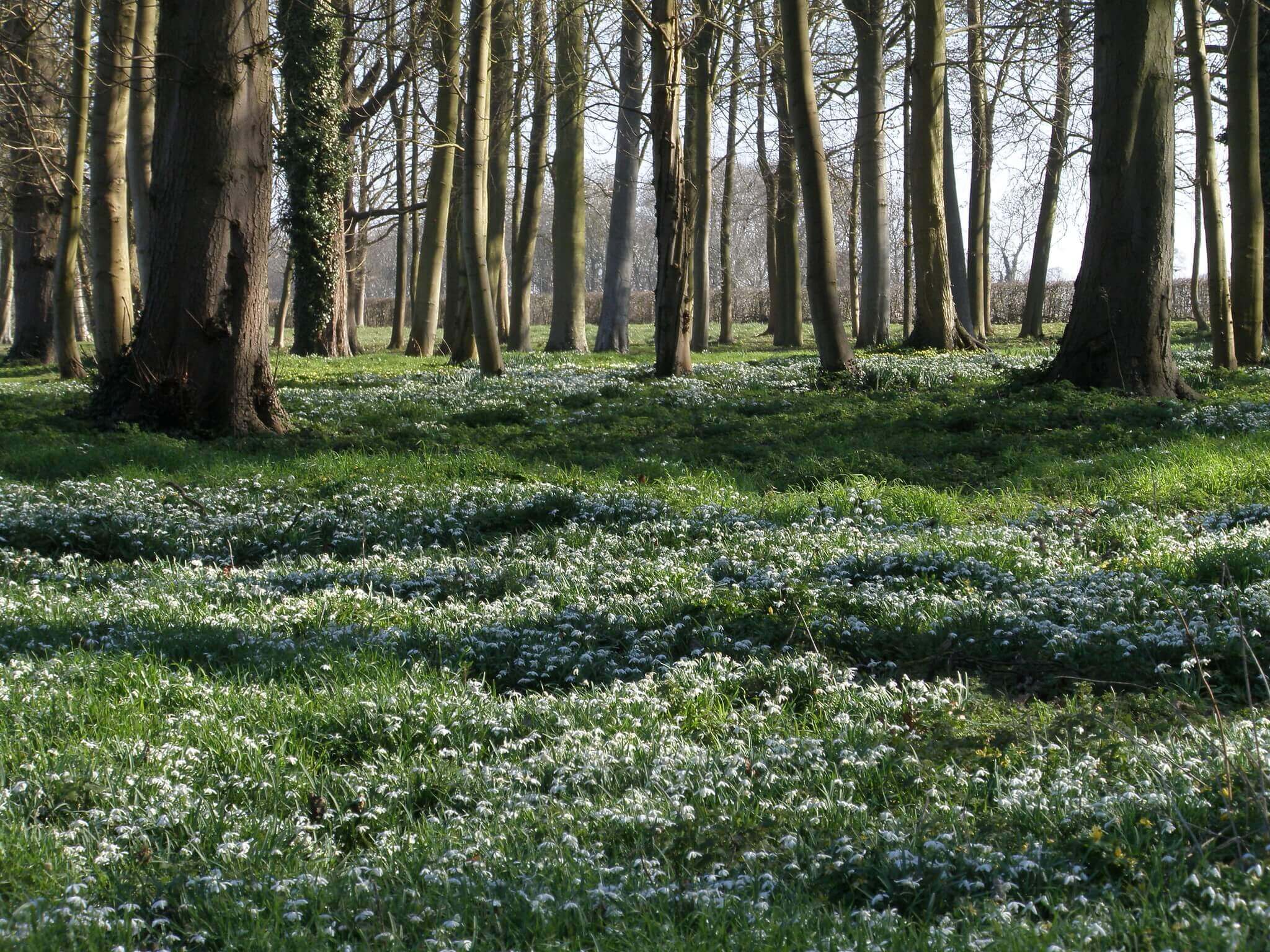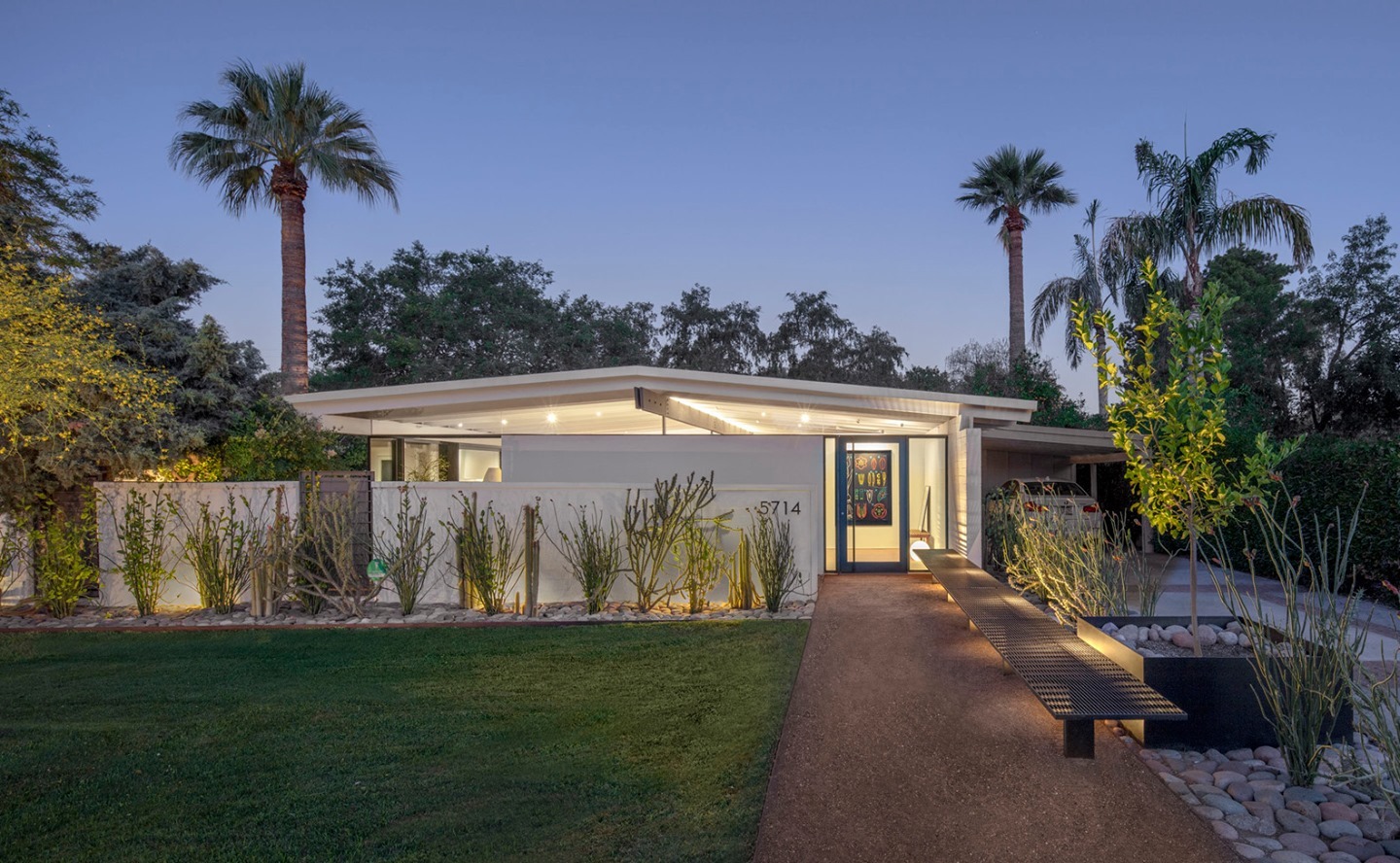
Landscape design is a unique profession. It combines the science of botany with the process of making changes aesthetically to improve the physical appearance of a property and create better functionality of a space with landscape design software.
Landscape designers are always in need of utilizing a computer softwares that tailors to the needs of the designer.
These softwares are the answer to creating, managing and revising landscape projects throughout the process of design, from concept to construction documentation.
With the right landscape design software, designers can arrange and organize the various components of a landscape plan like plantings, patios, berms, walkways and lawn areas to make designing much easier, and much faster.
In the past, landscape design professionals were forced to create blueprints and drawings by hand, which required large sheets of paper, a pencil, and a scale. These tools make it easier to draw straight lines and keep the size of landscape elements consistent.
Traditionally, universities and colleges still teach how to draw landscapes by hand to instill the student with freeform and curvy lines from the natural movement of the hand. These tendencies and an-eye for good design are created through sketching and should translate into designing in softwares.
There are many different types of software available for landscape architects and designers, but which are the top softwares used by professionals in the industry?
When searching for a new software, these items are the most important to consider:
- How much does it cost per month?
- How many licenses/seats are included?
- What are the minimum system requirements?
- What operating system does it perform on? Mac, PC, both?
- What file format does the program save as? .dwg (most common)
- Can I import other file formats into the software? (PDF, JPEG, DXF, )
- What add-ons are available and how much do they cost?
- Is the user interface customizable to optimize workflow?
- Are the settings customizable?
1. AutoCAD LT
Since 1982, AutoCAD LT has continuously remained at the top of best softwares to know. This software is perfect for landscape design professionals with a universal range of applications, from large commercial landscape projects to luxury residential projects.
AutoCAD’s interface is completely customizable allowing the designer to control the presentation of the drawing. This allows designers’ designs to be easily distinguishable when compared to competitors in the field. Inside AutoCAD LT, you can add your own branded logo, your own plant symbols and your own pen settings, to name a few.
Looking for AutoCAD Training? Click here to learn more.
Pros:
- Cost effective at $60 per month
- Used by many professionals so file sharing is very easy & simple
- Line weights are customizable to create highly detailed drawings
- Runs on Mac & PC
- License installs on 3 seats
Cons:
- Steep learning curve
- Does not have pre-built plant libraries incorporated into interface
- No 3D capabilities unless full AutoCAD is purchased
- No sheet set manager for large projects
Cost for AutoCAD LT = $60 USD/mo or $490/year
2. Rhino
Rhinoceros is a versatile software that was originally created in the 1980s. While it is primarily used for 3D modeling, it also has 2D drafting capabilities. The software’s interface is divided into two main sections, User Interface and Construction Aids. The User Interface contains commands and command controls, and the Construction Aids feature basic commands and tools. Using Rhino can give you great results with minimal effort.
Rhino has a comprehensive set of tools that can be used to perform any task from simple landscapes to complex contours. Its transform tools, points and curves choices, floor choices, and mesh instruments will help you create any sort of surface you desire. You can even export meshes as meshes, or convert NURBS models into meshes. And since Rhino can also generate 2D drawings, it can be a great way to communicate your concepts in 2D and 3D.
Looking for Rhino 3D Training? Click here to learn more.
Pros:
- Additional scripted utilities to install and use unique commands
- External plugins like Grasshopper are available
Arctic mode as a rendering tool - Ability to make 2D drawings of perspectives from 3D model
- Options to 3D print computer models
Cons:
- Steep learning curve
- Does not have a built-in landscape library of 2D and 3D components
- Conceptual based program, or for 3D modeling only (not great for construction documentation)
- Certain rendering views cause slowness depending on graphics card
Cost for Rhino = $995 one-time cost + cost to upgrade
3. Vectorworks
Vectorworks Landmark leads all landscape softwares for complex commercial projects with integrated BIM (building information modeling) capabilities. This software is perfect for a landscape architect or design studio managing masterplans or complex residential landscape projects.
The all-in-one program has integrated GIS applications, built-in tools to document construction costs, additional capabilities to create 3-D renderings, and plan irrigation across the site while sharing files with project managers, architects and engineers for a holistic design approach.
Pros:
- GIS integration with an enormous library of landscape features
- BIM features for project management and tracking
- 3D modeling capabilities with sophisticated add-ons
- Works on MAC
Cons:
- Very expensive & steep learning curve
- Not ideal for small landscape design firms
- Needs a lot of RAM space & powerful computer and graphics
- Creates large sized files
Cost for Vectorworks = $153 USD/mo or $1,530/year
4. Photoshop
One of the most popular softwares from Adobe is Photoshop, a rasterized image editing software with a variety of tools and features that can help you create stunning images. This application allows you to add and delete layers, edit and combine layers, and create layer masks. It also lets you choose colors and adjust the contrast of an image.
Creating highly visual landscape renderings in perspective or plan view is possible with this powerful software. You can directly import your landscape plan in PDF or JPEG and begin to enhance detailed aspects of a rendering. For landscape plans, you can create drop shadows on buildings or plantings to make your landscape plans look 3D generated.
Pros:
- Custom landscape paintbrushes for download on Adobe
- Integrates well with other Adobe products like Illustrator and InDesign for sharing fonts and branding drawings
- Ability to create GIFs and motion graphics
- Free .png images from free source websites for entourage and plantings
Cons:
- Steep learning curve
- Files formats can become very large depending on how many layers
- Not ideal for revisions
Cost for Adobe Photoshop = $20.99 USD/mo
5. SketchUp
SketchUp is a popular design software that can be used by anyone from beginners to professionals. It has multiple applications in several design disciplines, including architecture, interior design, structural engineering and landscape design.
Using SketchUp is not limited to 3D modeling. It also has many additional add-ons, including LayOut and Style Builder. Getting a feel for the program is very easy, as you can create a model in just a few minutes. The software also lets you export a PDF to give presentations or walkthroughs to clients. But one of the most compelling features of SketchUp is its intuitive user interface (UI).
Pros:
- Open source model library to download 3D models for free
- Integrated GIS map to source terrain from address of project
- Easy to learn and importance typical file formats
- External plugins to amplify workflow and create renderings from third-party sources like Enscape or Lumion
Cons:
- Limited with commands with simplified interface
- Contours and topography can be difficult to create
- Poor ability to export 2D plans into a consistent title block with branding
Cost for SketchUp Studio= $749 USD/year
6. Enscape
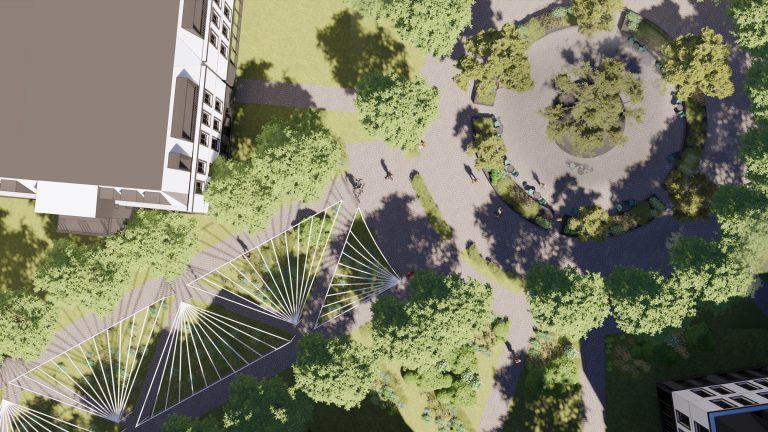
When it comes to visualizing designs, Enscape is the best choice for both novices and experts. The tool provides collaborative tools, which allow you to view the latest version of the 3D rendering and annotate it. This helps you communicate clearly with other team members and clients. It also helps you present projects in the best possible way. It also saves a great deal of time, as it doesn’t need much processing time. Moreover, you can send the files to colleagues or clients right away.
Moreover, Enscape offers real-time visualization, which processes changes to the design model in real-time. This feature is helpful for architects and designers as it helps them show their designs to clients before they actually start construction. Using this tool, you can share your finished rendered images, panorama galleries, and virtual reality experiences. The tool is extremely easy to use and the output is excellent. This feature is very popular in the architectural world, and it allows you to share your creations and concepts with your team without any hassle.
Pros:
- Comes with a built-in library of 3D components like entourage and vegetation
- Interactive, easy to use and immediate exported renderings
- Inexpensive rendering software
- Ability to adjust camera settings like exposure, depth and brightness
Cons:
- Needs a high-quality graphics card or causes renderings to crash
- Cannot save views with specific times within the program, views must be saved from softwares like Rhino or SketchUp
Cost for Enscape = $84.90 USD/mo or $562.80/year

7. Lumion
With the Lumion architectural visualization software, you can import 3D models and add objects from a vast library. You can also import a city section using the OpenStreetMaps link. This application is designed to help you create architectural designs and present them to clients.
It supports a variety of file formats and offers over 60 effects. It also supports orthographic views, as well as one-of-a-kind animations. The tools that Lumion offers are very powerful. You can use them to sculpt landscapes or display them in front of a luxury residence. You can even display them on a rooftop terrace of an urban area. With Lumion, you can choose from more than 2,000 high-quality objects, allowing you to make your ideas come to life. You can also add water to your 3D model for a real-world effect.
Pros:
- Full library of 6,900 items and 1,350 materials
- Animated videos and phasing is a helpful feature to show construction
- Lighting is generally better than other softwares
- Technical renderings look very high end and professional
Cons:
- Very expensive for Pro version with most valuable resources
- Great for commercial projects
- Steep learning curve
Cost for Lumion = $1,299 up-front cost + $108.25/mo
8. Realtime Landscape Architect
Realtime Landscape Architect is a true landscape design software that is meant only for landscape design professionals and comes equipped with a pre-built library of landscape symbols like plants, boulders, pools and more. This software is perfect for a landscape designer who is concentrating on planting designs within gardens.
Realtime Landscape Architect software additionally integrates 3D-modeling within the software and offers designers a catalog of pre-built 3D components like pools, railings, firepits and more to show clients visuals of the space in perspective view.
Pros:
- Extensive selection of 5,700 landscape plans
- Alluring 3D walk-throughs
- Ability to import DWG/DXF through CAD
- Import Wizard
Software can be installed on two computers at a time
Cons:
- Cartoon-like visuals
- May run into stability issues
- Lack of 2D plans; representation looks nonprofessional
- Outdated graphic cards can create “glitchy” graphics
- Does not work on Mac
Cost for Realtime Landscape = $599 one-time fee + cost to upgrade
9. Dynascape
Dynascape is a program designed mostly for the individual landscape designer and comes equipped with a library of pre-built landscape symbols with integrated 3D capabilities for additional cost. This software is perfect for a landscape architect or designer who is concentrating on small projects or renovation projects for back/front yards.
Dynascape comes equipped with pre-built plant symbols–this would be an asset for those limited on time for building their own plant symbols–hardscape elements, and water features which allow designers to quickly show layouts of patios, plantings and more. However, these symbols are not easily changeable making them extremely difficult to alter their appearance and designers often feel stuck within the program because of this.
Pros:
- 1,200 unique drag-in-drop plant symbols and furniture
- Automatically creates material lists and plant labels
- Ability to import DWG/DXF through File>Import>DWG/ DXF
Creates plant catalog
Cons:
- Steep learning curve and very expensive
- Very little customization options and is interface is outdated
- Lack of 2D plans; representation looks cartoonish
- Does not natively run on Mac
Cost for Dynascape = $199 USD/mo or $2,100/year
10. VizTerra
VizTerra is an easy software to navigate with a simplified interface allowing designers to quickly create landscape plans with a CAD program. This software is perfect for a landscape designer who wants the plug-in-play capabilities of visually showing a landscape project and quick ideas to a homeowner.
VizTerra similarly offers 3D modeling aspects with pre-built libraries of plant symbols, fences, furniture and more. However, the program lacks graphical representation and often looks non-professional with cartoonish images.
Pros:
- GIS integration with an extensive library of landscape materials
- Innovative 3D capabilities with video animation
- Construction estimating tools and take-offs
Color customization for plans
Cons:
- Needs a lot of RAM space & powerful computer and graphics
- Lack of 2D plans; representation looks non-professional
- Does not work on MAC
Pricey options for add-ons
Cost for VizTerra = $197 / mo or $2,004 annual cost
Why is AutoCAD LT the best option for 2D Plans?
,_pl._1_-_BL.jpg)
There are many landscape design programs out there, and you might wonder – Why is AutoCAD the right software for me and what advantages can I expect?
AutoCAD is a software that many disciplines in the Architecture and Engineering field use to create their drawings. Disciplines like Structural Engineers, Civil Engineers, Architectural Design, or even Interior Designers all are using AutoCAD to create their drawings.
Using software that is consistent in other fields opens the doors to collaboration and future possibilities to obtain new clients in different fields.
Have you ever wondered the advantages of AutoCAD and if it’s the right program for you?
Here are some of the technical advantages of using AutoCAD:
- Revisions – Making changes to your landscape designs is inevitable. Revising a design with a computer aided software allows you to save work and make progressional changes throughout the design process.
- Accuracy – This is an important one. Your goal as a landscape designer is to get projects built. During the construction phase, accurate drawings will ensure contractors to have a seamless building process, which results in accurate project costs and project schedules.
- Material Calculation – The age of using a ruler to calculate SF or LF of materials is over. With AutoCAD, properties of linework allow you to easily access measurements of areas.
- Reduces Error – Instead of using a scale to draw exact measurements like 10’-3”, within AutoCAD you can simply type those measurements and a line of exactly that length will appear.
- Authenticity in Design – This is one of the biggest differences between Dynascape and AutoCAD. Your clients will recognize the legibility of your landscape plan while your style as a designer will show through your drawing sets (this sets you apart from other designers and gives you an opportunity to brand yourself in the field)
- High Detail – As I mentioned above, AutoCAD is unlimited. That goes for the same as zooming in. You can zoom in to any area on a landscape plan and develop a higher level of detail for any part of your design such as control joints between concrete slabs as a quick example.
- Importing Capabilities – We live and work in the digital age where we now receive information in PDF format or JPEG format. Both these formats can be imported into AutoCAD easily and quickly.
- Commands – Shortcuts and commands actually make you design faster. Instead of hand drawing a paver hatch to show the client materials in the design, AutoCAD automatically fills in an area. This allows you to study different patterns and material and pick what’s best for the client and design.
Year after year, since 1982, AutoCAD has been one of the most comprehensive landscape design computer aided design programs that the majority of the industry uses.
Where can I learn AutoCAD for Landscape Design?
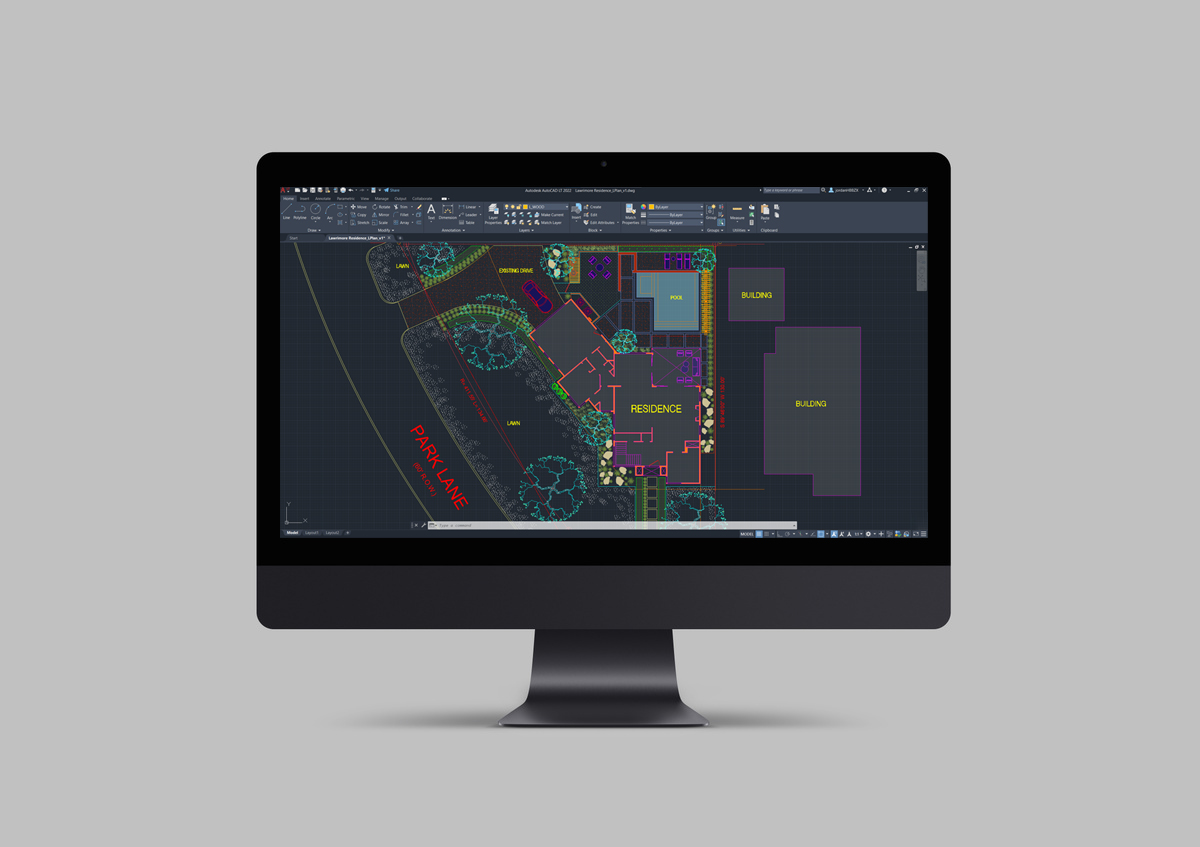
An all-in-one and affordable online course teaching AutoCAD (specific to the landscape design field) didn’t exist – until now.
Learning AutoCAD as your designated software, on average, will take 6 months to 1 year of your time. You can now learn the software in 1 month with the AutoCAD Training for Landscape Designers Online Course.
With this course, you’ll quickly get up to speed with the software and deliver high-caliber landscape plans in just 4 weeks.
Here’s how:
- You have a library of videos and resources to return back to at any time when a challenge arises within AutoCAD.
- You’ll know the key landscape commands to efficiently and confidently navigate through AutoCAD’s interface.
- You’ll be refreshed with landscape design fundamentals to take with you now and in the future so you become quicker at making decisions whether you’re designing a mansion or a suburban oasis.
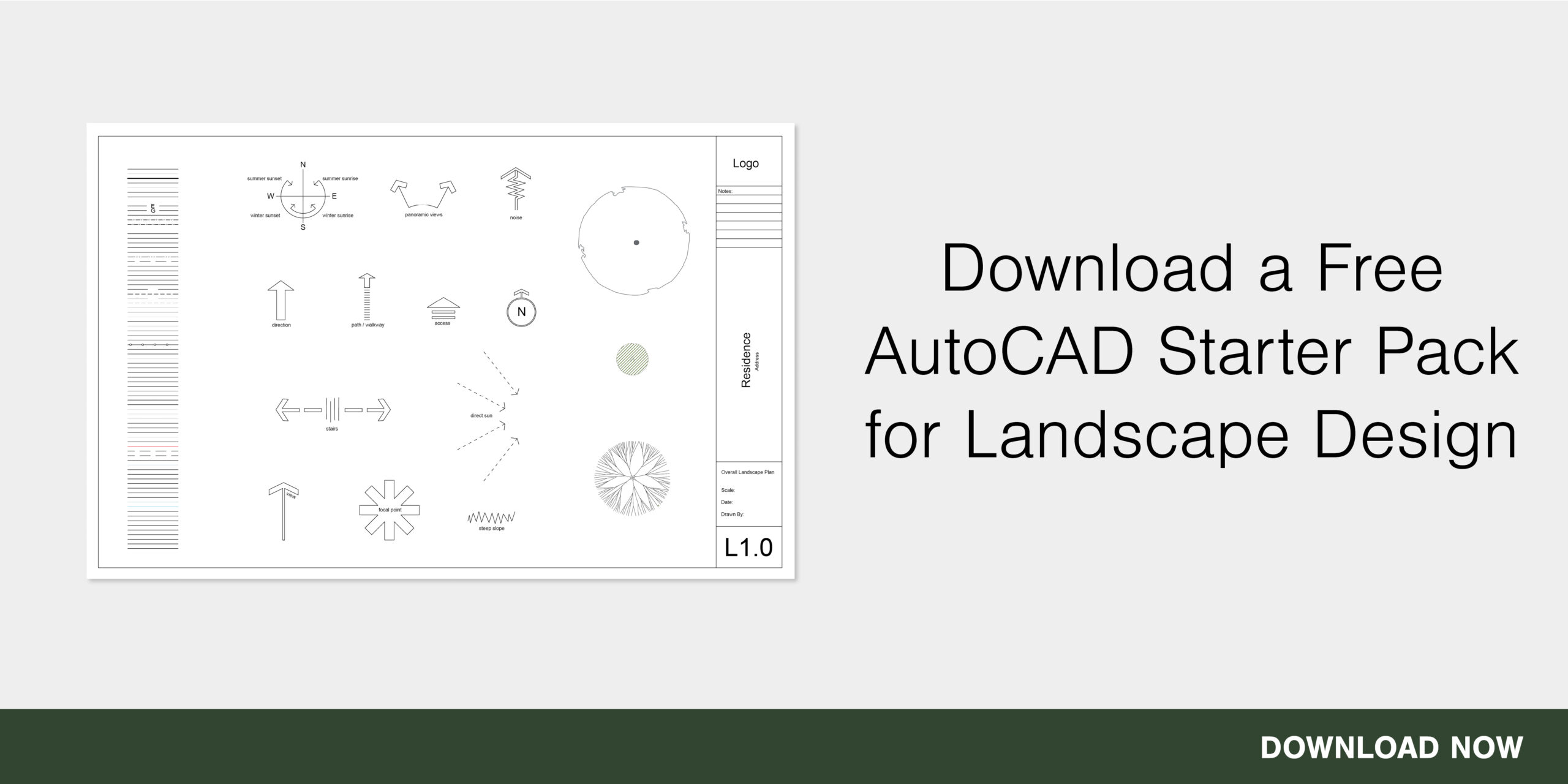
You’ll own a significant amount of pre-made libraries and templates that will boost your productivity and can start designing landscape plans immediately without needing to create the tools needed to design within AutoCAD all by yourself.
AutoCAD is one of the most comprehensive landscape design programs that consists of a range of tools that make the process of creating and planning a landscape easier. A professional like AutoCAD can save you time and money and get you started with what you need to know to start creating beautiful outdoor spaces.